
Follow us! >

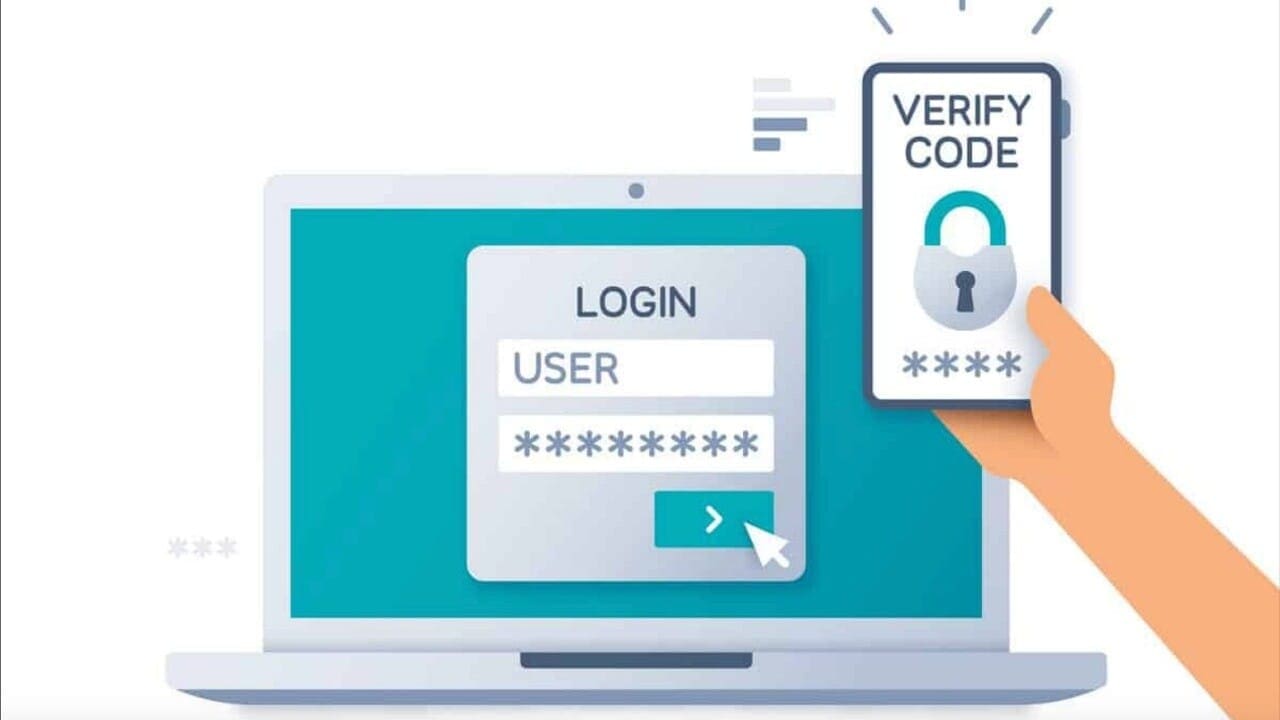
Postal employees are now able to reset their LiteBlue MFA

Postal Service employees are now able to reset their multifactor authentication security method, also known as MFA, when they log in to LiteBlue.

Employees can do so by clicking on the “Self-Service MFA Reset” link on the LiteBlue login screen and submitting the request. After a manager approves the request, the employee will receive an email with a link to set up, update or recover an MFA method.

Employees who encounter problems can contact the USPS IT Service Desk at 800-877-7435 and ask the agent to reset their MFA options.

Sign up to receive our Daily Postal News blast

Related Articles

Tell us what you think below!

Subscribe
Notify of
guest
0 Comments
Oldest
Newest Most Voted
Inline Feedbacks
View all comments

Hot this week

USPS begins penny-rounding policy

Because pennies are no longer produced by the U.S. Mint, the Postal Service is rounding to the nearest nickel on change due the customer for cash transactions when pennies are unavailable.

Mail thefts, robberies, fraud and other postal crimes – 12/29/25/25

Postal crimes are almost a daily event.  These are the ones we found today

USPS Postal worker hospitalized after pedestrian crash in Clarksville

The postal worker was flown to Skyline Hospital where police said his status was stable at the time he was taken, police said.

Rural families struggle with slower postal deliveries

Reliable mail service is not a luxury in rural America. It is a necessity for receiving checks, handling daily business, and getting critical medicine and supplies that many families cannot easily pick up in town.

A look back at USPS employees who made unique contributions this year

Throughout 2025, Link’s “People” column focused on employees who are making their mark in the Postal Service.
spot_img

Related Articles

Popular Categories

Secret Link
0
Would love your thoughts, please comment.x
()
x
Send this to a friend