
Follow us! >

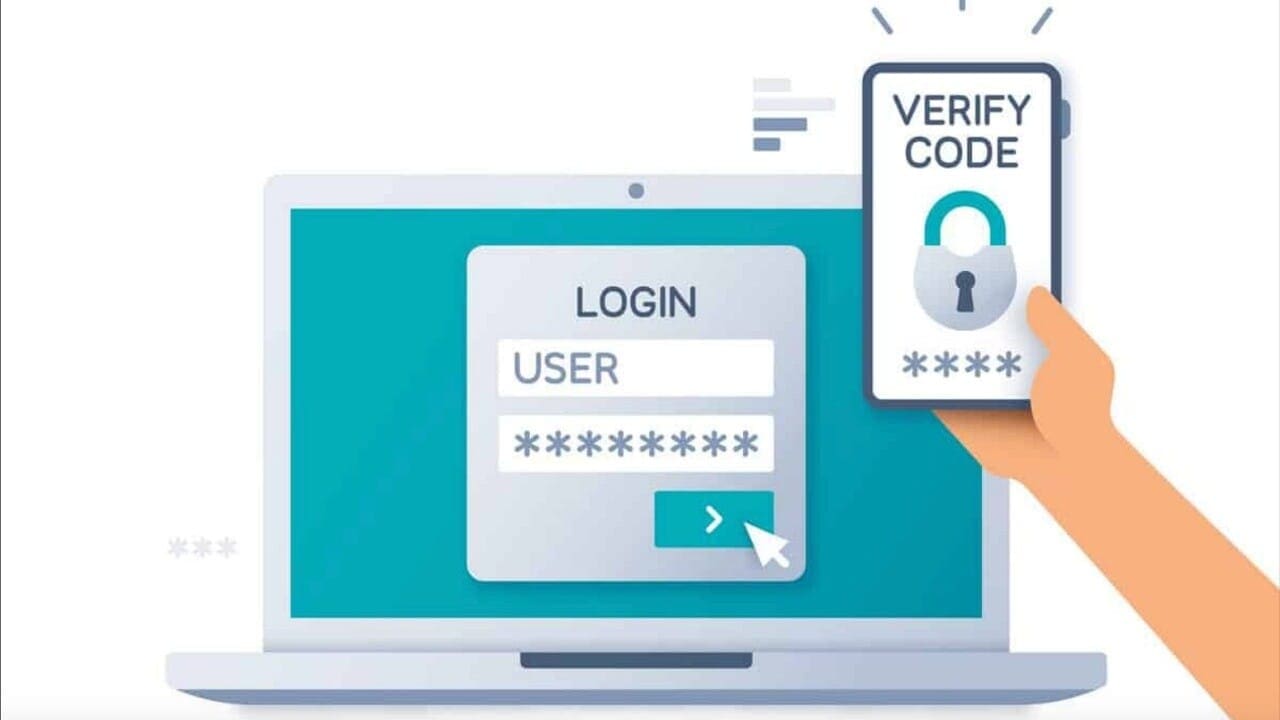
Postal employees are now able to reset their LiteBlue MFA

Postal Service employees are now able to reset their multifactor authentication security method, also known as MFA, when they log in to LiteBlue.

Employees can do so by clicking on the “Self-Service MFA Reset” link on the LiteBlue login screen and submitting the request. After a manager approves the request, the employee will receive an email with a link to set up, update or recover an MFA method.

Employees who encounter problems can contact the USPS IT Service Desk at 800-877-7435 and ask the agent to reset their MFA options.

Sign up to receive our Daily Postal News blast

Related Articles

Tell us what you think below!

Subscribe
Notify of
guest
0 Comments
Oldest
Newest Most Voted
Inline Feedbacks
View all comments

Hot this week

U.S. Postal Service holiday performance shows significant improvement

Through large investments in new technology and new logistics planning and execution, the U.S. Postal Service (USPS) significantly improved its delivery performance during this past holiday season

Minneapolis letter carriers demand ICE stop using postal property

Protesters, including postal workers, gathered outside a U.S. post office in Minneapolis on Sunday (January 18), holding signs

USPS library acquires copy of UPU anniversary book

The USPS Corporate Library has obtained a copy of “The World as a ‘Single Postal Territory’: The UPU’s Role in History.”

NALC and APWU honor Martin Luther King Jr

Today we honor the legacy of a true champion of justice and equality, Dr. Martin Luther King Jr.

Signals of a slowdown: What federal employees should do with their TSP right now

With some economic signs raising the caution flag, now is a key moment for federal employees to take a calm, strategic look at how their Thrift Savings Plan portfolio is positioned
spot_img

Related Articles

Popular Categories

Secret Link
0
Would love your thoughts, please comment.x
()
x
Send this to a friend