
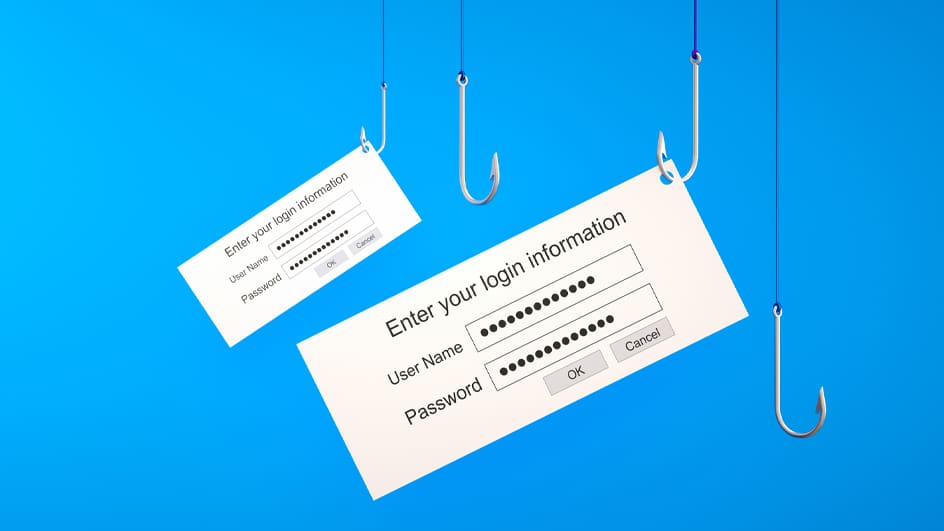
The Postal Service is reminding employees and contractors to guard against phishing emails to protect the organization’s network from cyberattacks.
Phishing occurs when cybercriminals send legitimate-looking emails to try to trick recipients into giving over personally identifiable information, systems credentials and other sensitive data.
Phishing scams can harm the Postal Service’s operations, finances and reputation.
Employees and contractors should follow these tips:
• Slow down and evaluate messages before acting. Be wary of urgent requests.
• If an email is from a non-USPS address — typically with “[EXTERNAL]” in the subject line — proceed with extra caution and verify the sender.
• Before clicking on a link, hover the cursor over the link to ensure its description matches its destination.
• Look for spelling and grammar mistakes, which can indicate a phishing attempt.
• Don’t open any attachments in a suspicious email.
Employees and contractors should report suspected phishing emails by clicking on the “Report to CyberSafe” button in the Outlook toolbar. If the button is missing, it can be installed.
The CyberSafe at USPS Blue and LiteBlue pages have more information on phishing.
Add your first comment to this post